
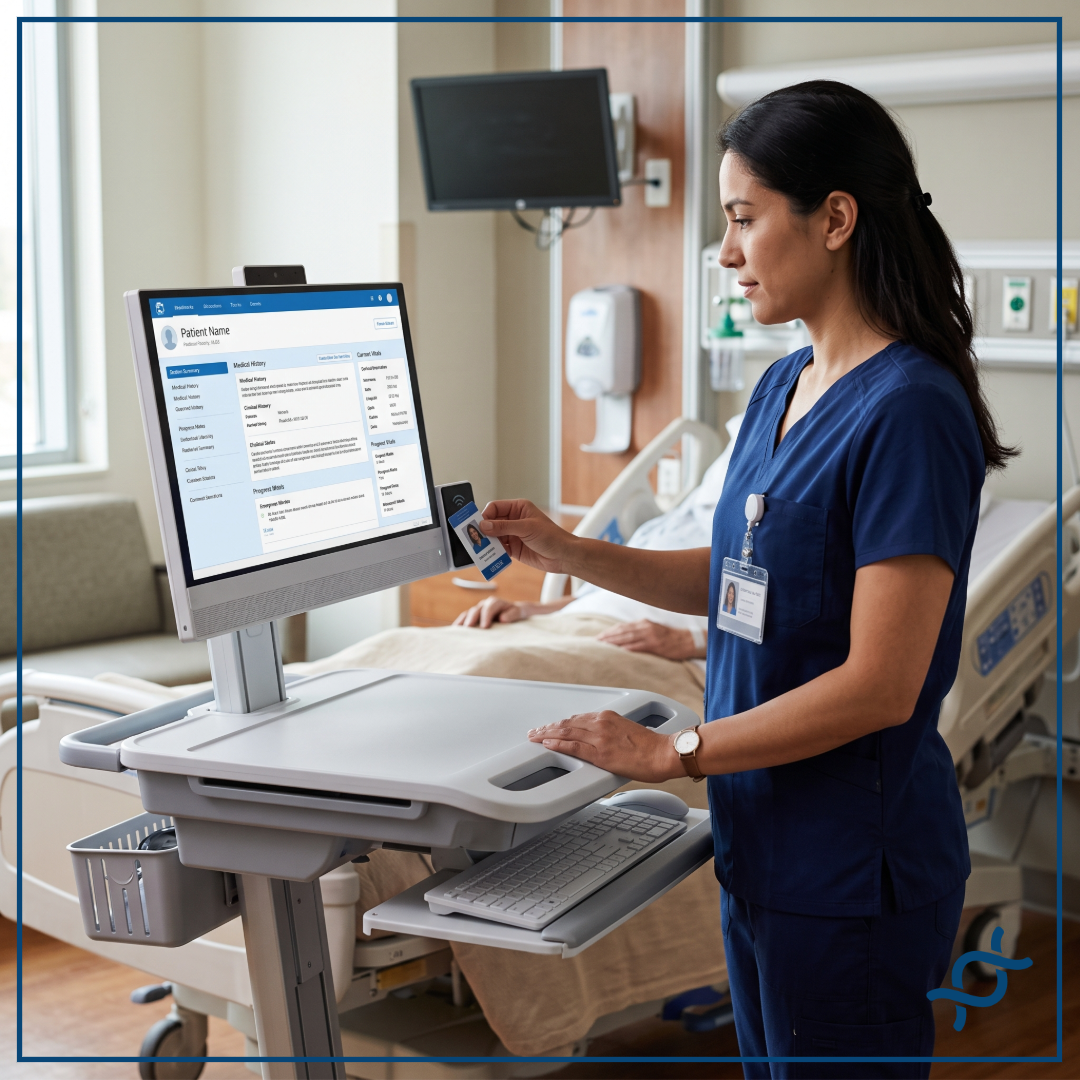

Most hospitals already combine controls at login: session timeouts, badge authentication, mobile authentication, and physical biometrics. None of them keep verifying identity once a session is open. Continuous Authentication adds that missing layer on top of a hospital's existing IAM stack, verifying identity for the length of the session.
Session Timeouts
Session timeouts limit the amount of time an unattended session remains available, but they only close the gap once the clock runs out. It takes as little as 30 seconds for another person to sit down at an abandoned, still-open session and start working, well before most timeout policies would ever trigger. The problem is also that aggressive timeout policies can create significant workflow friction, forcing users to authenticate repeatedly throughout a shift, particularly when moving quickly between patient care activities.
Badge Authentication
Physical badges can make workstation access faster than entering a password, but they introduce another object that must be carried, managed, replaced, and protected. A badge also doesn't necessarily prove that the person using the workstation is the person associated with the badge.
Mobile Authentication
Smartphones can provide convenient authentication and MFA, but hospitals have plenty of environments where phones are prohibited: infection control protocols, restricted units, or areas where staff can't reasonably carry or interact with a personal device.
Physical Biometrics
Fingerprint and facial recognition can strengthen the login itself, but clinical environments don't always let those signals through: masks, gloves, and other PPE routinely block the fingerprint or facial match a physical biometric scanner depends on, so the control fails exactly when infection control protocols are in effect.
Continuous Authentication
Continuous Authentication addresses the problem from a different direction. Instead of relying solely on the authentication event at the beginning of a session, it continuously authenticates identity for the length of the session, evaluating signals to determine whether the person using the workstation still matches the person who logged in, without requiring a badge, a phone, or a fingerprint or facial scan that PPE would block. That's what closes the gaps session timeouts, badge taps, mobile authentication, and physical biometrics leave open on their own.
Frequently Asked Questions
How do hospitals secure shared workstations?
Hospitals typically combine strong initial authentication with session or idle timeouts, badge authentication, mobile authentication, and physical biometrics. Continuous Authentication then bolsters that existing IAM stack with a layer that authenticates identity throughout the session rather than only at login, which is what closes the gaps the other controls leave open.
Which control matters most?
Continuous Authentication. Session timeouts, badge taps, mobile authentication, and physical biometrics all have a role at the point of entry, but none of them keep evaluating who's actually at the keyboard once a session is open. That ongoing, session-length verification is the specific gap only Continuous Authentication closes.


.png)