
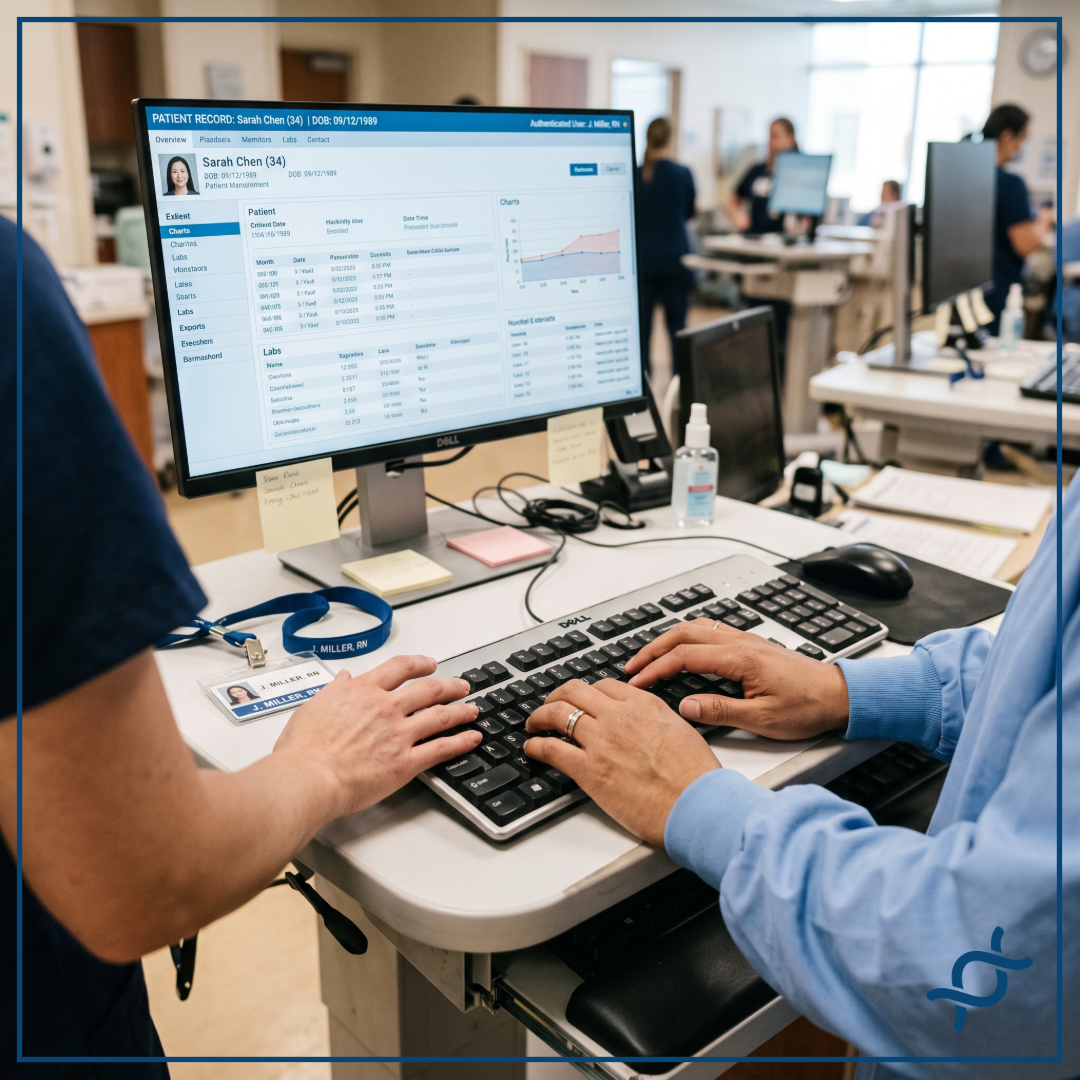

Yes. Continuous Authentication detects unauthorized use of a legitimate, already authenticated session by identifying a behavioral mismatch between the person at the keyboard and the person who logged in, then lets the hospital act immediately, before that unauthorized use continues.
A Specific Kind of Session Risk
Traditional authentication establishes trust at a particular point in time. Continuous Authentication adds an ongoing identity signal that can help identify when the person using the session no longer matches the authenticated user. It addresses a specific type of session security risk: unauthorized use of a session that was legitimately authenticated in the first place, as opposed to a credential being stolen outright or a system being breached from outside.
What Happens When a Mismatch Is Detected
When Continuous Authentication detects a behavioral mismatch, it doesn't make a unilateral decision about what happens next. It surfaces the change in trust via the Continuous Access Evaluation Profile (CAEP), and the organization's own security policy determines the policy response: requiring re-authentication, step-up authentication, locking the session, terminating it, or triggering another defined remediation action. Different departments can reasonably want different responses, and the system should support that rather than impose one answer everywhere.
Frequently Asked Questions
Does Continuous Authentication prevent session hijacking?
Yes. It detects unauthorized use of an authenticated session by identifying a behavioral mismatch in the person using the workstation, then applies the organization's defined policy, such as requiring re-authentication, step-up authentication, or locking the session, so the session doesn't stay hijacked.
What value does Continuous Authentication add for hospital security teams?
Continuous Authentication gives hospital security teams visibility they otherwise lose the moment a login screen closes: an ongoing signal showing whether the person using a session still matches the person who authenticated. That signal restores individual accountability on shared workstations, strengthens audit trails, and lets the organization act on a specific, defined risk in real time, all without adding a login step, badge, or device for clinicians to manage.

.png)