
The Passwordless Paradox in Hospitals
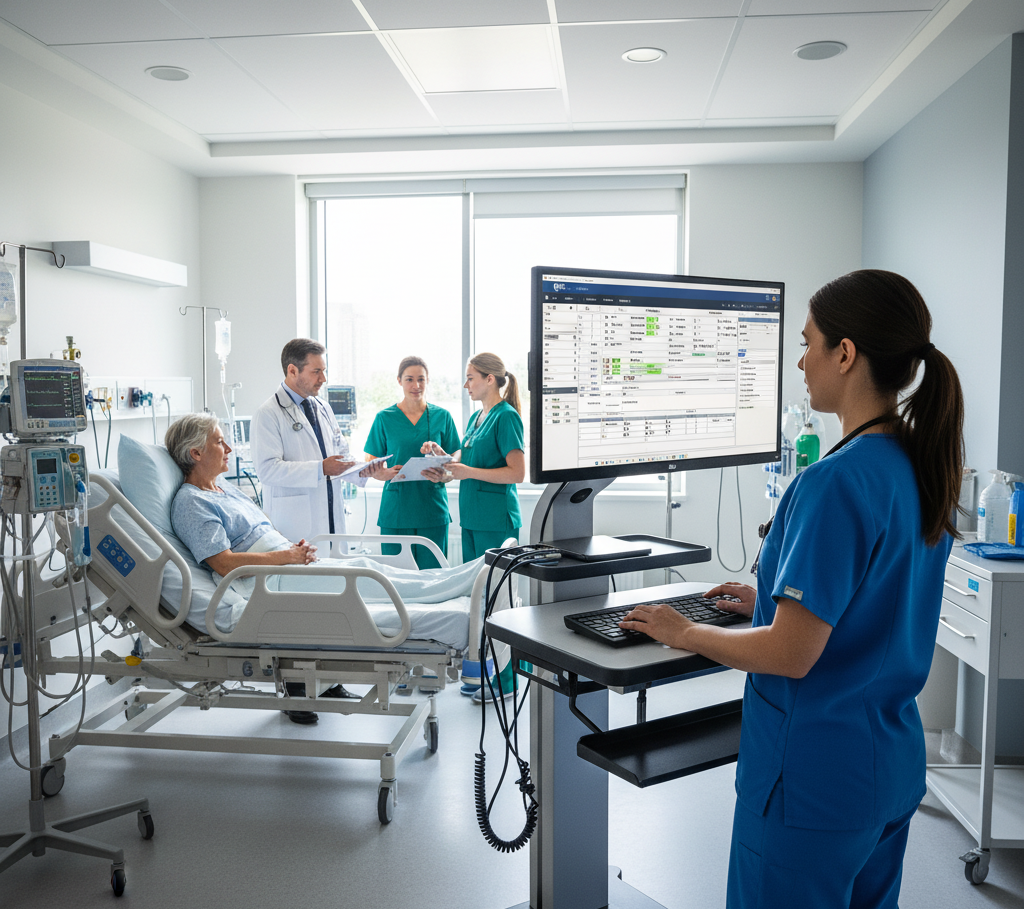
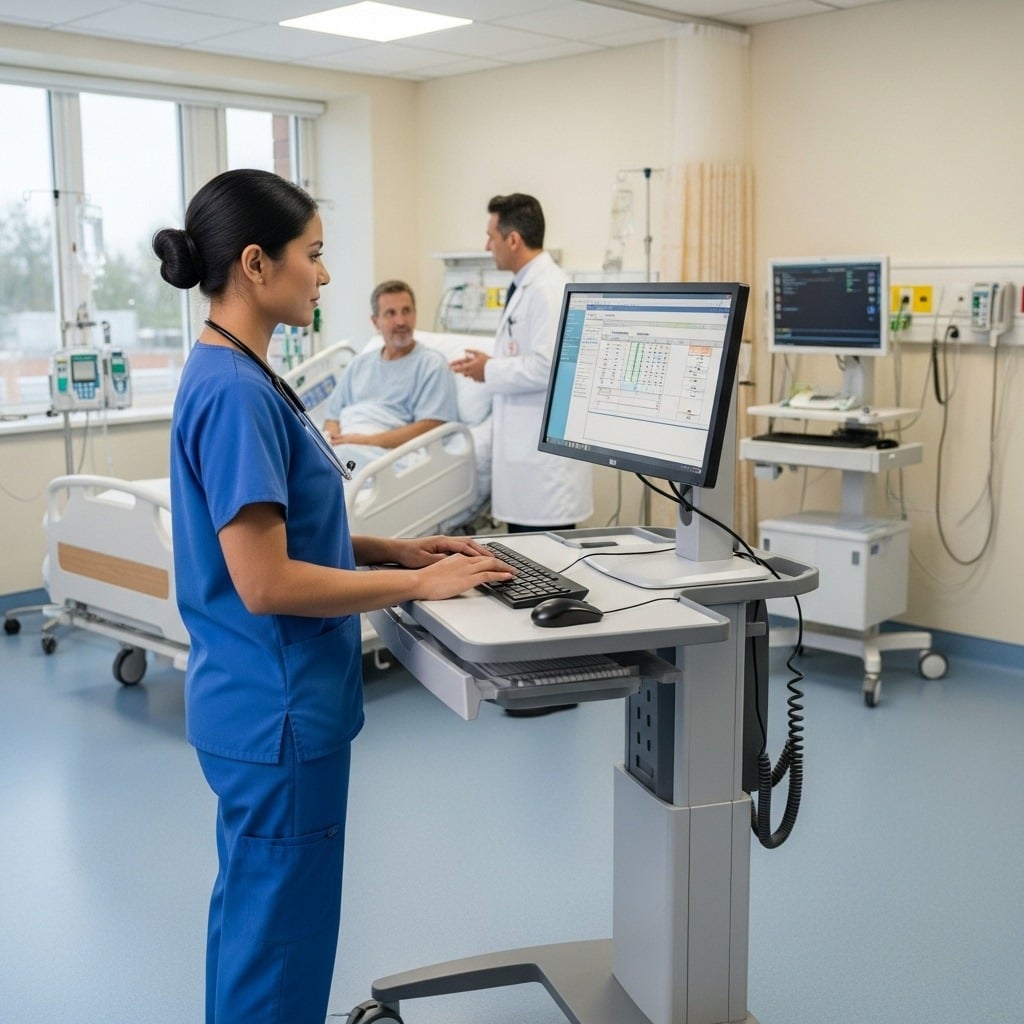
Most hospital passwordless initiatives don't fail because of clinician resistance or a lack of buy-in to eliminate passwords. The problem is the underlying identity model. Passwordless fails because the solutions available were built for an entirely different environment. Enterprise authentication tools assume a one-user-per-device model and predictable access patterns. The clinical floor looks nothing like that. Shared workstations, mobile restrictions, and unreliable biometrics produce a patchwork authentication experience that slows care, frustrates staff, and increases operational risk.
The obstacles aren't a matter of the clinician's willingness, but a fundamental mismatch between traditional identity solutions and the realities of the clinical environment. Approaches that treat authentication as a single event cannot scale without introducing friction and disrupting patient care delivery.

Why Passwordless Fails in On Clinical Floors
On the clinical floor, three obstacles are constant:
- Shared Workstations: A single terminal may be used by dozens of clinicians each shift. Traditional passwordless tools, which rely on per-device enrollment, create an operational burden that quickly scales across hundreds of devices and units. Nurses and physicians running between critical tasks can be blocked by login prompts on machines they haven't registered.
- Mobile Restrictions: Many passwordless flows assume clinicians have access to a phone for push notifications and biometric approval. In sterile or high-acuity areas, phones are prohibited, and PPE makes biometrics impractical. Even when phones are allowed, retrieving and unlocking a device interrupts workflows and slows care.
- Biometric Limitations: Face or fingerprint recognition may seem ideal, but masks, gloves, and protective equipment interfere. Privacy and regulatory concerns limit camera deployment in patient areas, and lighting or environmental conditions can make sensors unreliable.
The root cause is structural. Traditional identity solutions treat authentication as a single event. Clinical workflows are continuous, shared, and fluid. Closing that gap requires a different model.
Aligning Identity With Clinical Environments
Solving the passwordless problem in hospitals requires a fundamental shift in how identity is verified. Instead of relying on a single login event, identity must be validated continuously throughout the session without interrupting the user. This is where Twosense takes a fundamentally different approach.
Twosense continuously verifies that the right user is behind the keyboard every time, without interrupting workflows. The Continuous Authentication and CAE platform works invisibly in the background, analyzing behavior and enforcing policies through Continuous Access Evaluation Profile (CAEP) and a policy-driven Orchestration Engine in real time.
This changes the model entirely:
- Identity follows the clinician across shared workstations.
- No dependence on phones, tokens, or biometrics.
- No repeated login interruptions.
- Continuous verification instead of one-time trust.
Authentication becomes invisible to the user, while security becomes stronger and more consistent.
Quick Guide to Going Passwordless in 90 Days in Hospitals
Hospitals do not need to overhaul identity systems to achieve passwordless access. The 3-60-90 framework allows hospitals to validate and scale passwordless in real clinical environments with minimal friction:
- 3 Applications: Start with high-priority apps most commonly used by clinicians.
- 60 Users: Deploy to a focused cohort to refine workflows, behavioral profiles, and operational insights.
- 90 Days to Passwordless: Achieve full passwordless access across initial apps, enabling clinicians to work uninterrupted.
Here's how hospitals execute the 3-60-90 framework:
Step 1: Select Your 3 High-Touch Applications
Begin with the three applications that generate the most login friction, such as EHR, pharmacy, or radiology systems. Limiting scope keeps deployment manageable while delivering immediate, visible impact.
Step 2: Identify Your 60-User Cohort
Deploy to a focused cohort of roughly 60 users. A contained group lets IT validate workflows, mature behavioral profiles, and gather operational insights, such as help-desk tickets and login failures.
Step 3: Deploy Twosense Continuous Authentication
Deploy the Continuous Authentication Platform to run silently in the background, verifying identity in real time. No phones, tokens, or new workflows are required.
Step 4: Reach Passwordless in 90 Days
Within 90 days, the cohort achieves full passwordless access across the selected applications. Clinicians stop entering passwords, failed logins drop, and help-desk tickets decline.
Step 5: Scale Across the Hospital
Apply the same model to additional applications and user groups. Establish passwordless access as the standard across the hospital.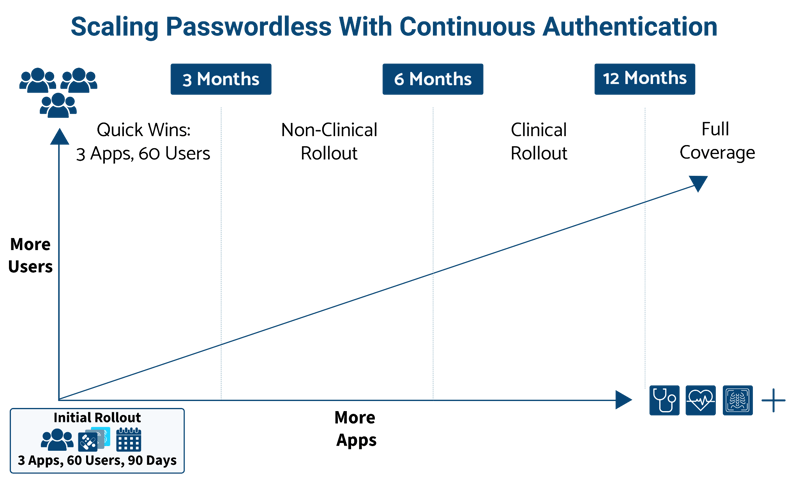
Once validated, additional applications and users can be added gradually. Scaling happens without operational friction, re-enrollment, or workflow disruption. Authentication becomes invisible to the user, while security becomes stronger and more consistent.
What Passwordless with Continuous Authentication Looks Like for Clinicians
Here’s a realistic workflow in a hospital using Continuous Authentication to support passwordless access into clinical systems, such as EHR:
 Clinician approaches a shared workstation and logs in once using the approved entry method, such as badge tap.
- The Continuous Authentication Platform activates invisibly in the background.
- Clinicians access the EHR and other applications without entering credentials or being prompted for MFA. Authentication is invisible and automated in the background.
- During the session, the user's identity is continuously re-verified using live behavioral biometric signals.
- If the clinician walks away and someone else begins using the workstation, the Continuous Authentication and Continuous Access Evaluation platform flags the behavioral mismatch and triggers the defined security response (lock, re-authenticate, or alert).
Read more about going passwordless in EHR, such as EPIC, here.
Results in a Top 5 U.S. Health System
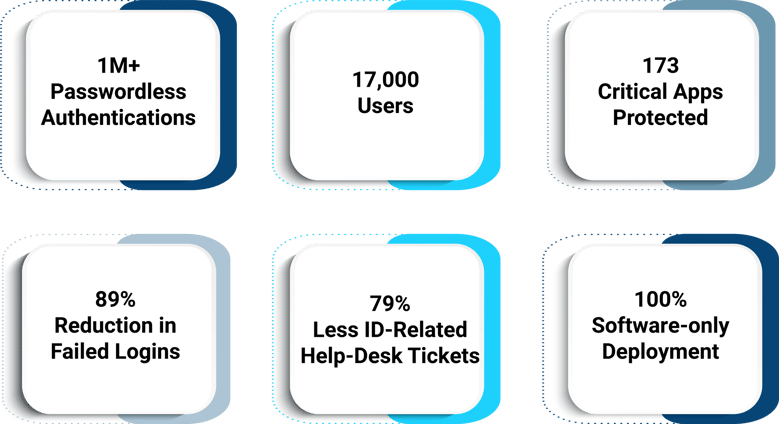
The 3-60-90 framework is not theoretical. At one Top 5 U.S. health system, Twosense secured 1M+ logins across 173 applications and 17,000 users, deployed 100% via software.
Results included:
- 89% reduction in failed logins
- 79% fewer identity-related help-desk tickets
- Uninterrupted clinician access to patient systems
- Real-time visibility and policy enforcement for security teams
Clinicians spent less time navigating authentication barriers. IT deployed new applications with confidence. Leadership met regulatory and security objectives, all while patient care remained uninterrupted.
Read the full Case Study here.
The Path Forward
The passwordless problem in hospitals is not unsolvable. It has just been approached with the wrong tools. Enterprise solutions were built for enterprise environments. Clinical floors need something different: authentication that follows the user, not the device, that runs invisibly in the background, and that gets stronger over time without adding friction.
Health systems that have made this shift are not waiting years to see results. One Top 5 U.S. health systems has gone passwordless for 17,000 users and 173 applications in 6 months. No hardware, retraining, and no disruption to care. That is what the right model looks like in practice.
Find out which hospitals are using the Continuous Authentication Platform. Talk to our team today to see how your hospital can go passwordless in 90 days.